
Do you currently have a Microsoft 365 Account with a valid subscription and want to update to Office 2016 instead of 2013. Since it did get a little confusing for me at first I decided to share the following steps to make your life easier!
- Go To : https://stores.office.com/myaccount/home.aspx
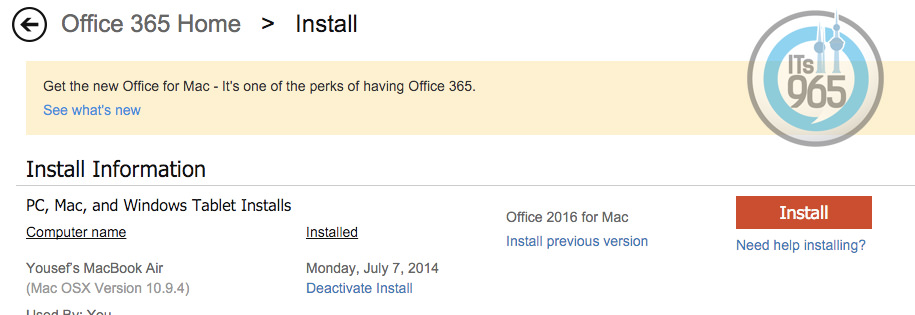
- Enter Accounts and choose install as shown below :

- After install select the computer you would like to download the software to and choose install. If you wanted the 64-bit version, all you have to do is select additional options and languages and choose the language then 64-bit version.
Here’s what’s new in Office 2016
and here’s whats new in Office 2016 for Mac !
Enjoy!